Start with the symptom you can see.
These pages are built for search and real plant problems: one symptom, one clean next step, and one clear path into the Android app when you want help on the exact plant in front of you.
Narrow the problem down before you scan, water, spray, or cut anything.
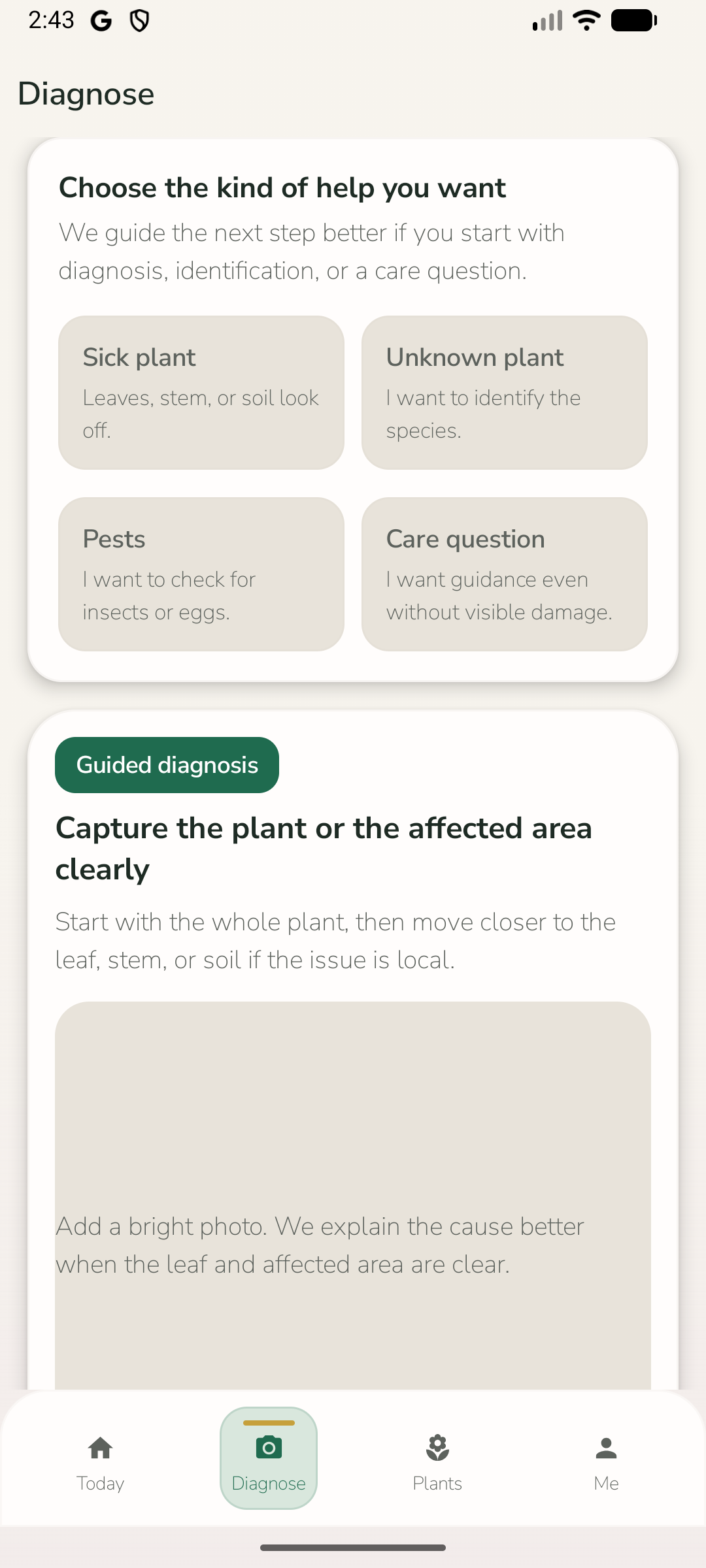
Start from the symptom you can actually see.
Pick the closest visible problem first: yellow leaves, drooping, spots, pests, or watering stress.
Check the first likely causes before you react.
GospodApp pages help you compare watering, roots, pests, and disease instead of guessing blindly.
Move into the app when the plant in front of you needs an answer now.
Use the landing page for context, then open the Android app when you want a likely cause and next step from a photo.
Begin with the symptom pages most people need first.
If someone is new to the site, the best experience is usually a short path into the most common plant problems rather than a long wall of options.
Good pages help people compare likely causes, rule out common mistakes, and decide whether the next move is a guide or the Android app.
Yellow leaves on a plant? Start by narrowing down the likely cause.
Yellowing is a symptom, not a diagnosis. The fastest way forward is to check where the yellow leaves appear, how fast the change happened, and whether the root zone is stressed.
Compare symptoms Brown tipsBrown leaf tips usually mean stress around water, salts, or air, not one single disease.
Start by looking at the watering pattern and the root zone. Brown tips are often the plant showing repeated stress before the rest of the leaf fails.
Compare symptoms Drooping leavesA drooping plant is asking for attention, but not always for more water.
Leaf droop can come from thirst, heat, root stress, transplant shock, or overwatering. The next move depends on what the soil and stems are doing too.
Compare symptoms Black spotsBlack spots usually need closer inspection before you decide whether it is fungal, mechanical, or just old tissue breaking down.
The pattern matters: scattered spots, ringed lesions, quick spread after rain, or blackening tied to the leaf edge all point to different causes.
Compare symptoms White powderA white powdery layer is one of the easier symptoms to spot, but the right response still depends on plant type, spread, and conditions.
What matters first is whether the white layer wipes off, how fast it is spreading, and whether the plant is crowded, humid, or already stressed.
Compare symptoms AphidsAphids often cluster on new growth, flower stems, and the undersides of softer leaves. The first useful step is to see how localized the problem still is.
Acting early helps. Once aphids multiply and distort new growth, plants lose energy and secondary problems follow more easily.
Compare symptomsSymptoms people notice first
Start with the visible issue first. These are the pages that should catch the broadest organic and social traffic.
Yellow leaves on a plant? Start by narrowing down the likely cause.
Yellowing is a symptom, not a diagnosis. The fastest way forward is to check where the yellow leaves appear, how fast the change happened, and whether the root zone is stressed.
Compare symptoms Brown tipsBrown leaf tips usually mean stress around water, salts, or air, not one single disease.
Start by looking at the watering pattern and the root zone. Brown tips are often the plant showing repeated stress before the rest of the leaf fails.
Compare symptoms Drooping leavesA drooping plant is asking for attention, but not always for more water.
Leaf droop can come from thirst, heat, root stress, transplant shock, or overwatering. The next move depends on what the soil and stems are doing too.
Compare symptoms Black spotsBlack spots usually need closer inspection before you decide whether it is fungal, mechanical, or just old tissue breaking down.
The pattern matters: scattered spots, ringed lesions, quick spread after rain, or blackening tied to the leaf edge all point to different causes.
Compare symptoms White powderA white powdery layer is one of the easier symptoms to spot, but the right response still depends on plant type, spread, and conditions.
What matters first is whether the white layer wipes off, how fast it is spreading, and whether the plant is crowded, humid, or already stressed.
Compare symptomsCommon pests and infestations
Useful when the problem looks alive, fast-moving, or concentrated on stems, leaves, or soil surface.
Aphids often cluster on new growth, flower stems, and the undersides of softer leaves. The first useful step is to see how localized the problem still is.
Acting early helps. Once aphids multiply and distort new growth, plants lose energy and secondary problems follow more easily.
Compare symptoms Spider mitesSpider mites are easy to miss early because the first sign is often pale stippling rather than obvious insects.
The underside of the leaf matters most. Dry, warm conditions can let mite pressure build very quickly on the same plant.
Compare symptoms MealybugsThese pests hide in protected spots: nodes, leaf joints, crowns, and around stems where casual checks miss them.
The first useful move is to confirm whether the cottony material is localized or already moving through the plant structure.
Compare symptoms Fungus gnatsThe adults are annoying, but the useful clue is what they say about the potting mix: consistently wet, organic, and attractive to larvae.
The fix starts with the container rhythm, not with the flying adults alone.
Compare symptomsCompare two likely causes
Built for hesitation moments when two causes look similar and the wrong reaction could make things worse.
Crop and plant-specific problems
Use crop and plant-specific pages when the symptom depends heavily on season, growing setup, or crop type.
Tomato leaves do not all yellow for the same reason. Where it starts and how quickly it spreads matter more than one guess from a distance.
The first useful checks are old leaves vs new leaves, soil moisture, weather swings, and whether spots are involved too.
Compare symptoms CucumbersCucumber leaves can go from a few white patches to a tired canopy quickly when mildew pressure builds.
The first move is to assess spread and plant density, then decide how much affected growth needs to come out.
Compare symptoms PeppersCurling leaves are a stress sign before they are a final diagnosis. Peppers often show it when the root zone, heat, or growth pressure is not balanced.
The useful read comes from the whole plant: leaf shape, flower drop, water rhythm, and how exposed the plant is to heat.
Compare symptoms BasilBasil droops fast, which makes it easy to overreact. The useful difference is whether the soil is dry, the plant is chilled, or the roots are staying too wet.
Because basil is quick to show stress, it is also a good crop for simple triage before you do too much.
Compare symptoms Houseplant rootsMany indoor plants show root trouble through leaf symptoms first. If the soil stays wet, smells wrong, or recovery never comes, the root zone needs attention.
This page helps you start with the root clue instead of treating every top-leaf symptom separately.
Compare symptomsHigh-intent app pages
High-intent pages for people who already know they want an app and only need the right promise or angle.
If you are looking for a plant disease diagnosis app, the key question is not only "can it scan a leaf?" but "does it help me decide what to do next?"
GospodApp is built for that second question too: diagnosis, follow-up help, saved history, and practical reading in one flow.
Compare symptoms Care remindersReminder value is much higher when it stays connected to the same plant history and the last problem you already worked through.
That is why GospodApp treats reminders and daily guidance as part of one care loop, not a separate checklist wall.
Compare symptoms Tomato diagnosisTomatoes show many problems through leaves and fruit first, but the right next move depends on whether the issue is stress, watering, deficiency, or disease pressure.
This landing page is here for the search intent: you want a tomato problem diagnosis, not generic gardening copy.
Compare symptoms Garden diagnosisOutdoor plants do not fail for one single reason. Weather, water, pests, disease pressure, and season timing all overlap.
A useful diagnosis flow starts from the symptom you can actually see and then narrows the next check down.
Compare symptoms Ask about my plantPeople do not always start with a formal diagnosis. Sometimes the real need is simpler: "What is wrong with my plant, and what should I do next?"
This page exists for that exact intent. Start with the plant you have, not with perfect terminology.
Compare symptomsOpen the app when the guide is not enough.
Use a pain page to narrow the problem down. Use the Android app when you want to scan a photo and get a likely cause plus a clearer next step.