

1
Show what changed
Describe the symptom or add a clear photo of the affected leaf, stem, or soil.
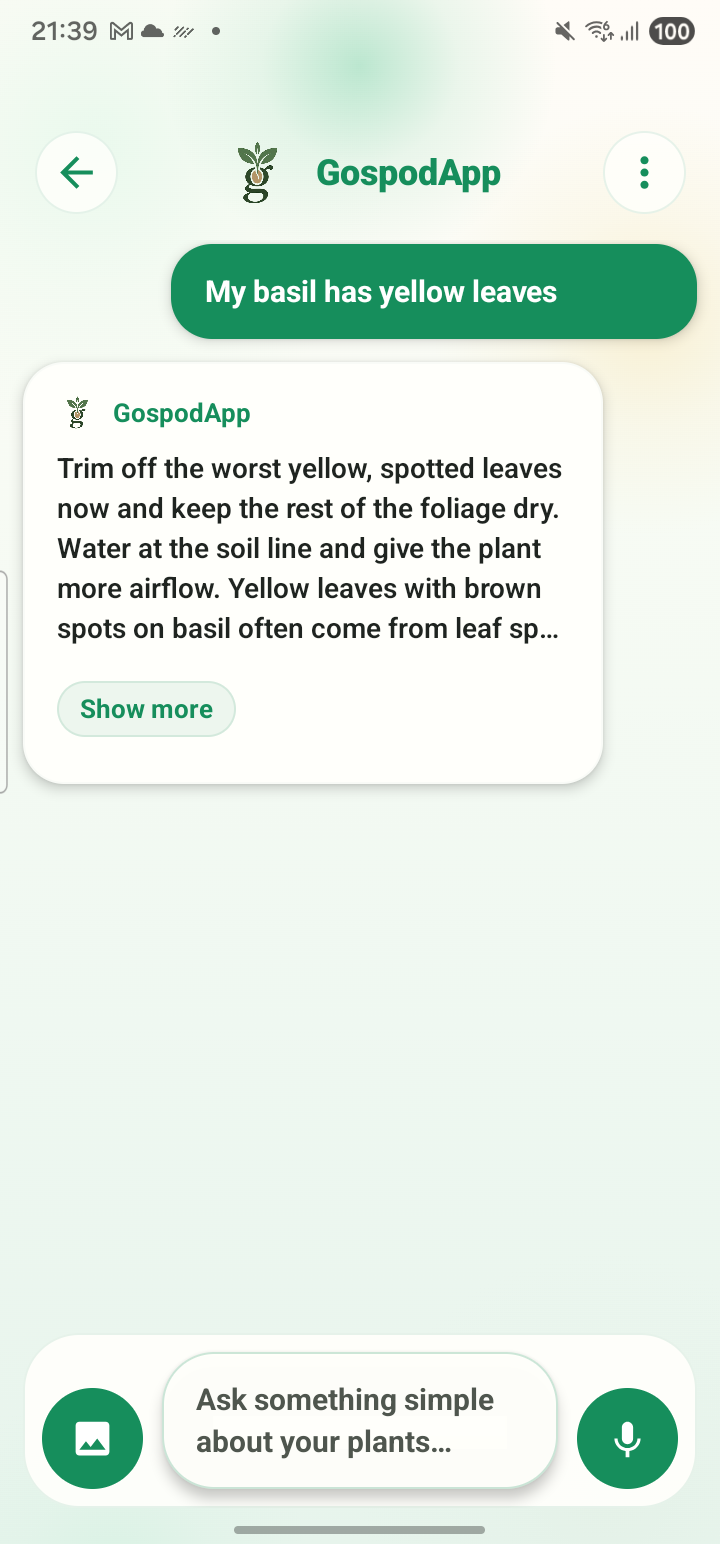
Describe the problem or add a photo. GospodApp explains the likely issue, gives you one safe step for today, and saves the Plant Plan in My Plants for your next check.
Start free with 5 photo checks and 60 text questions every 30 days. No payment is required to download the app.
Learn more about this symptom and what to do next.
Learn more about this symptom and what to do next.
Learn more about this symptom and what to do next.
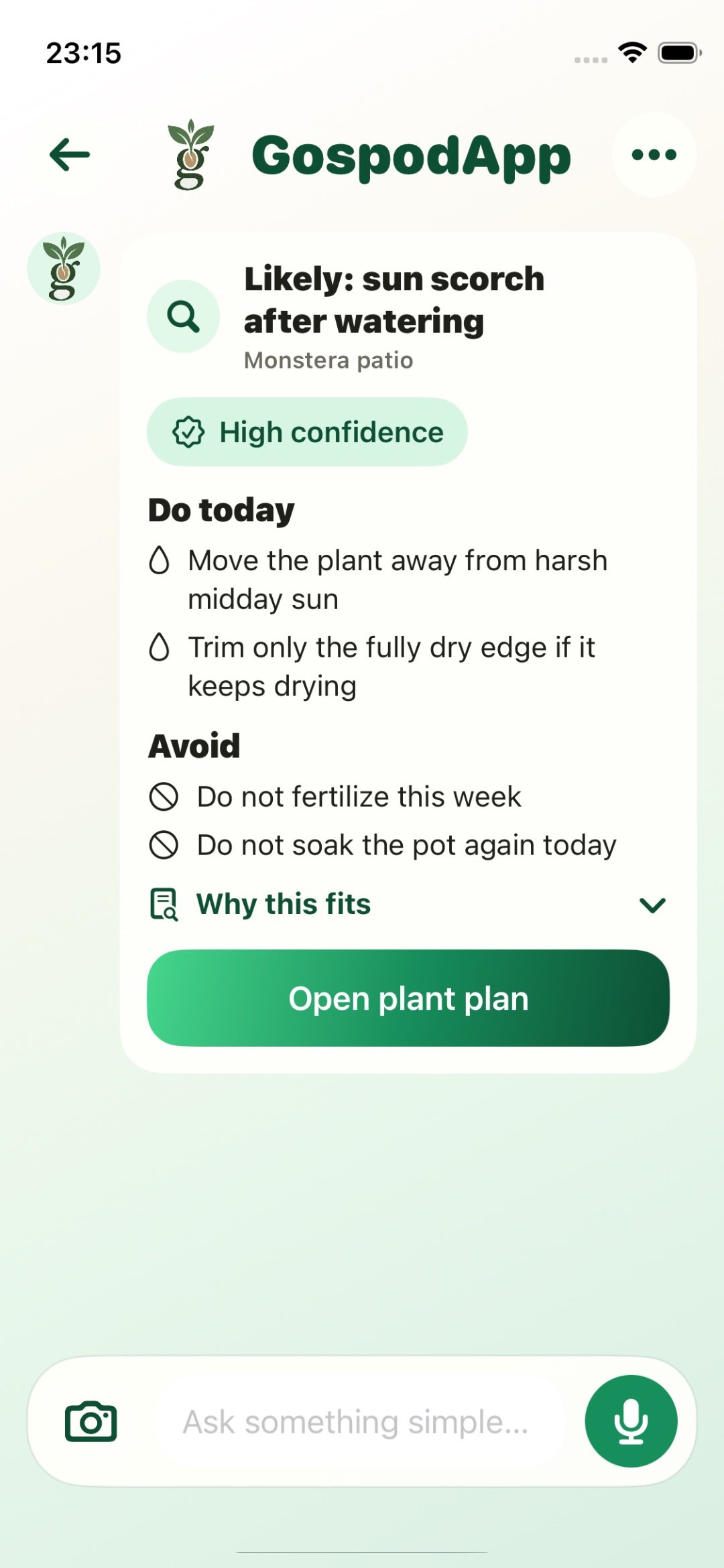
These are real GospodApp screens. Each answer leads to one action and stays connected to the same plant.
Describe the symptom or add a clear photo of the affected leaf, stem, or soil.
Review the likely issue, confidence, what to do today, and what to avoid.
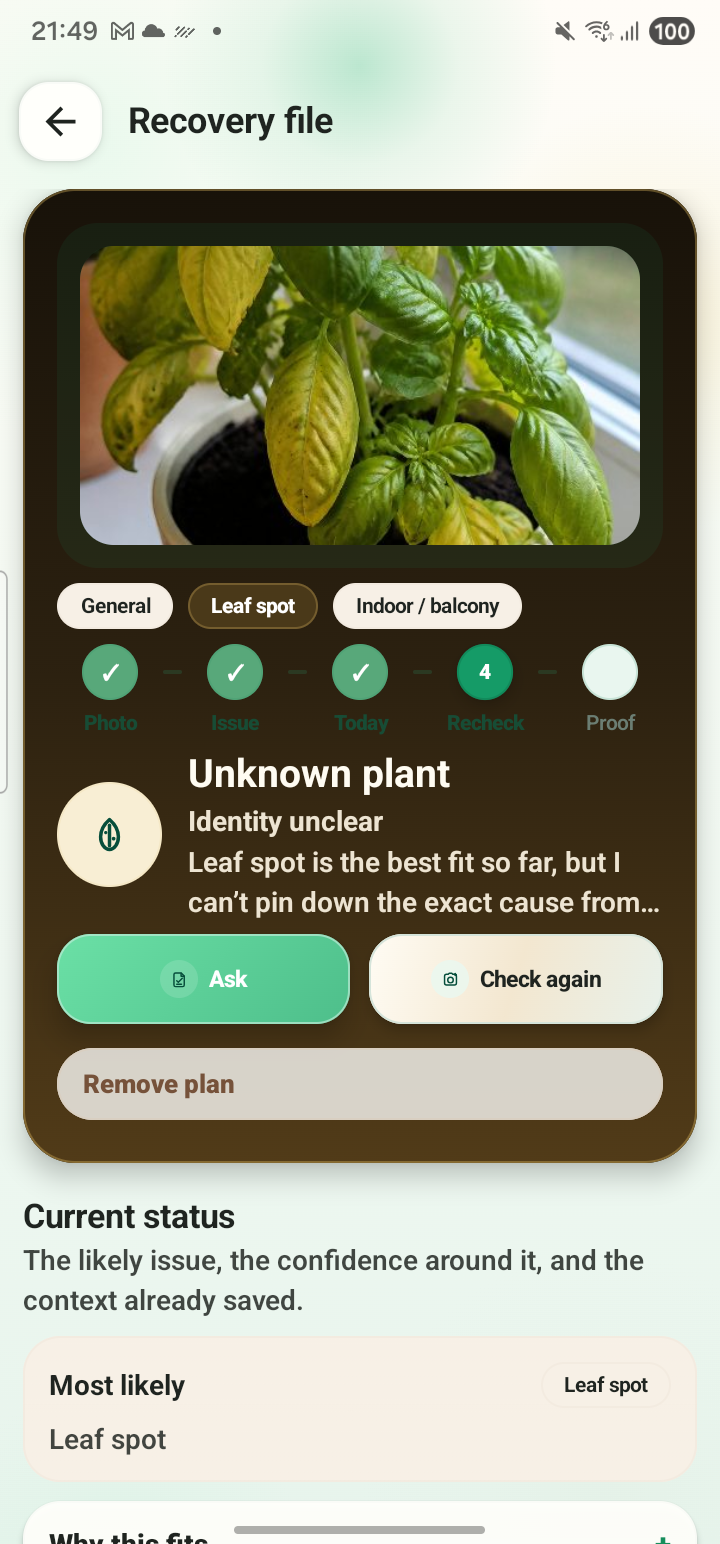
Keep the answer, notes, reminders, and next check together in My Plants.
When you save a care plan, you do not have to explain the same problem again. Review what you tried, record what changed, and decide whether the plant needs a different step.
Save a Plant Plan, set a reminder, and return to record what changed—even on Free. Premium gives you more photo checks and text questions when you check your plants more often. Review the price and billing period in the app before subscribing.
For occasional questions and a small plant list.
$0No payment required
For more frequent photo checks and follow-up questions.
See local price in appThe store confirms the price before payment
Here are the details most people need before trying GospodApp.
The Free plan includes 5 photo checks, 60 text questions, and up to 5 saved plant plans every 30 days.
Premium includes 60 photo checks, 1,000 text questions every 30 days, expanded plant history, and no ads.
No. GospodApp offers practical guidance for visible problems in home and garden plants. Ask a local specialist about severe, urgent, toxic, or commercial cases.
Apple or Google handles your subscription. The store shows the current local price before payment and lets you manage or cancel the subscription.
Describe the problem, review the care plan, and save it for the next check.
Start with the change you can see. These guides help you inspect the conditions, decide what needs a closer look and keep a useful record. A symptom is a clue, not a confirmed disease.

